
Cluster Section
Settings specific to the cluster in which your Element Deployment runs on top of.
In the Cluster section you will find options to configure settings specific to the cluster in which Element Deployment will run on top of, initially only one option is presented, however some additional options are presented under 'Advanced'. By default, it is unlikely you should need to configure anything on this page.
The options configured via the UI in this section will be saved to your deployment.yml and, if applicable secrets.yml. By default, if you do not change any settings on this page, a number of defaults will be added to your config.
Config
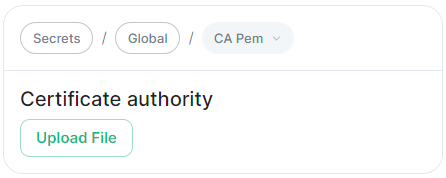
Certificate Authority
Config Example
apiVersion: v1
kind: Secret
metadata:
  name: global
  namespace: element-onprem
data: # Added to the `global`, `element-onprem` secret as `ca.pem` under the `data` section. Other values may also be present here.
  ca.pem: >-
    base64encodedCAinPEMformatString
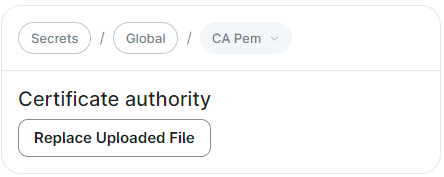
If you are using self-signed certificates, you will need to provide the certificate of the Certificate Authority in PEM encoded format. Just like with any certificate file uploaded to the Certificates section (and those yet to be uploaded for specific integrations), it is strongly advised to include the full certificate chain to reduce the liklihood of certificate-based issues post deployment.
Advanced
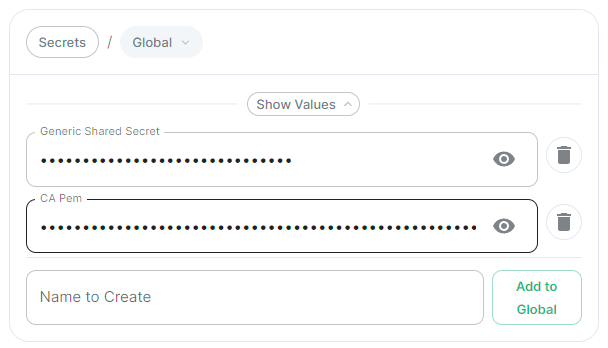
Secrets
CA
PemIf
Generic Shared Secret
Config Example
apiVersion: v1
kind: Secret
metadata:
  name: global
  namespace: element-onprem
data: # Added to the `global`, `element-onprem` secret as `genericSharedSecret` under the `data` section. Other values may also be present here.
  genericSharedSecret: QmdrWkVzRE5aVFJSOTNKWVJGNXROTG10UTFMVWF2
auto-generates... what does it do?