
Submitting Telemetry Data to Element
Issue
Environment
Resolution
In order to gather telemetry data, you will need to use the element-telemetry-export.py script, which comes with the installer.
To get started, you will need to create a configuration file that has the following in ~/.element-enterprise-server/config/telemetry-config.json:
{
        "homeserver": {
                "base_url": "https://hs.element.demo",
                "access_token": "syt_s0m3t0k3nbWluLWRvbm90ZGVsZXRl_OcCeJSNKHPLsbececapM_3jON6y",
                "room_id": "!EUaiYKUtdFlLuCqDdT:element.demo"
        }
}
For the base_url variable, you will need to specify the fqdn of your homeserver.
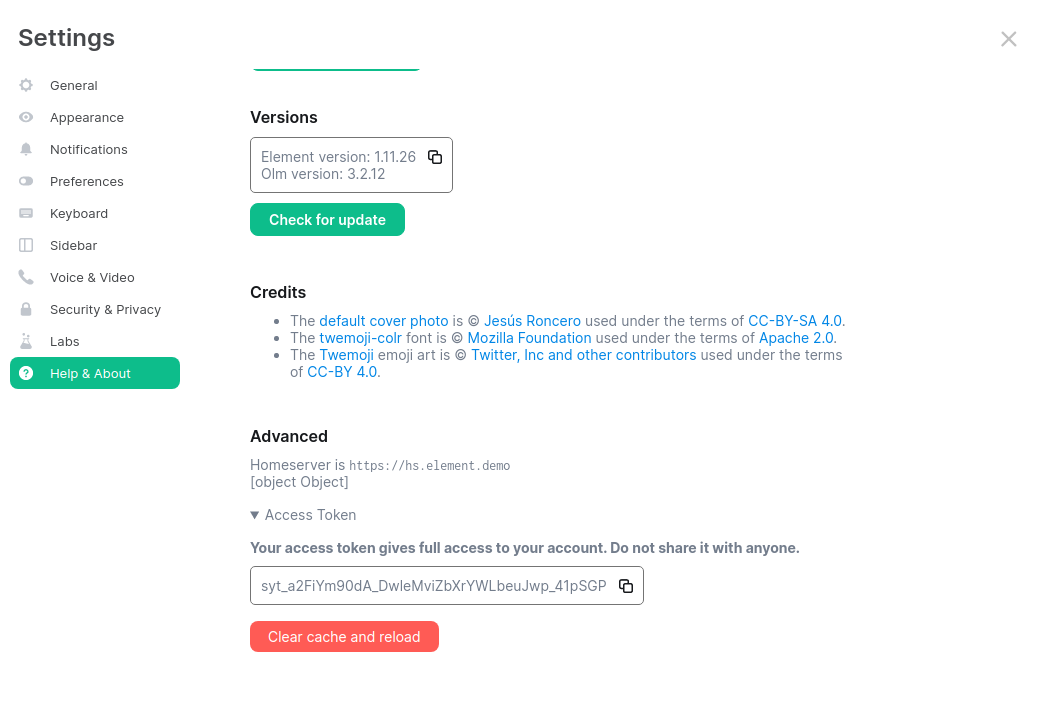
For the access_token variable, you will need to provide a valid access token for a user who has access to the telemetry room. This can be found by logging in to Element Web as this user, going to "All Settings", then clicking "Help & About" and finally expanding the section for "Access Token".
For the room_id variable, you will need to join the telemetry room /join #element-telemetry:element.demo and then open the "Room Settings" and click on "Advanced" and there you will see the "Internal Room ID". In the given /join command, you will need to replace element.demo with your homeserver domain. The Room Settings panel with the ID looks like:

Once you have these three variables filled in for your homeserver setup, you can run:
cd ~/.element-enterprise-server/installer/lib
/usr/bin/env python3 ./element-telemetry-export.py --config ~/.element-enterprise-server/config/telemetry-config.json
Once you have run this, you will have some messages that look similar to:
2023-04-18 15:36:41,580:INFO:Parsing configuration file (/home/karl1/.element-enterprise-server/config/telemetry-config.json)
2023-04-18 15:36:41,581:INFO:Performing Matrix sync with homeserver (https://hs.element.demo)
2023-04-18 15:36:41,643:INFO:Scanning page 1
2023-04-18 15:36:41,716:INFO:Scanning page 2
2023-04-18 15:36:41,782:INFO:Writing 19 telemetry events to ZIP file (/home/karl1/.element-enterprise-server/installer/lib/telemetry_2023-04-18.zip)
2023-04-18 15:36:41,783:INFO:Saving some internal state (for next time)
and you will have a new zip file in this directory with a date stamp in the format telemetry_YYYY-MM-DD.zip. In my case, I have telemetry_2023-04-18.zip.
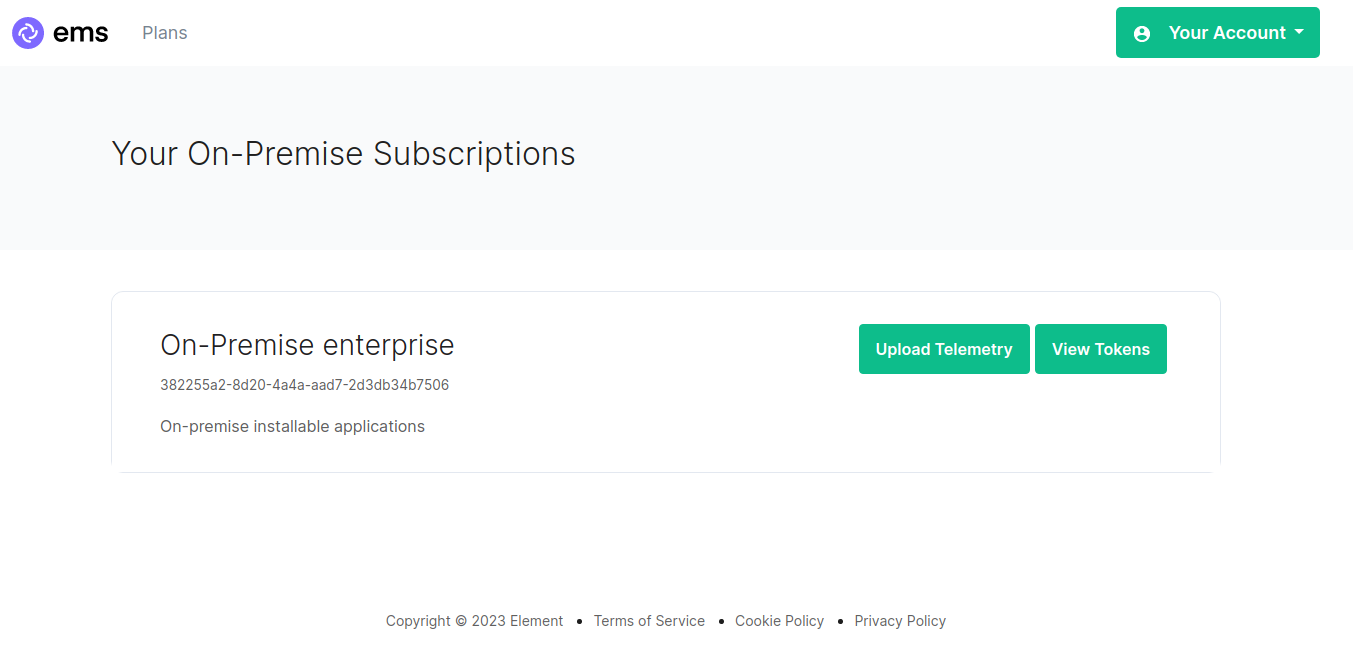
I can now browse to https://ems.element.io/https://ems.element.io/on-premise/subscriptions and click "Upload Telemetry" next to the subscription that I wish to upload the data for:
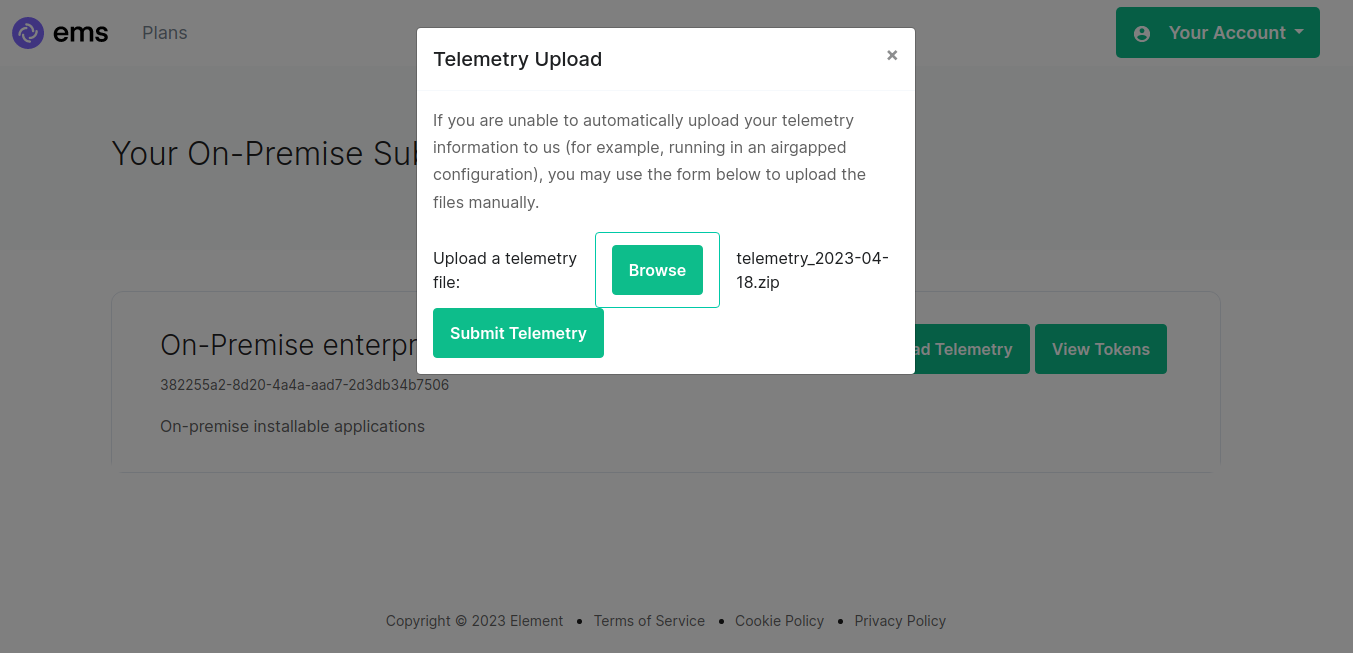
I can then browse for my telemetry file and click "Submit Telemetry":
Once successful, you will see this screen:
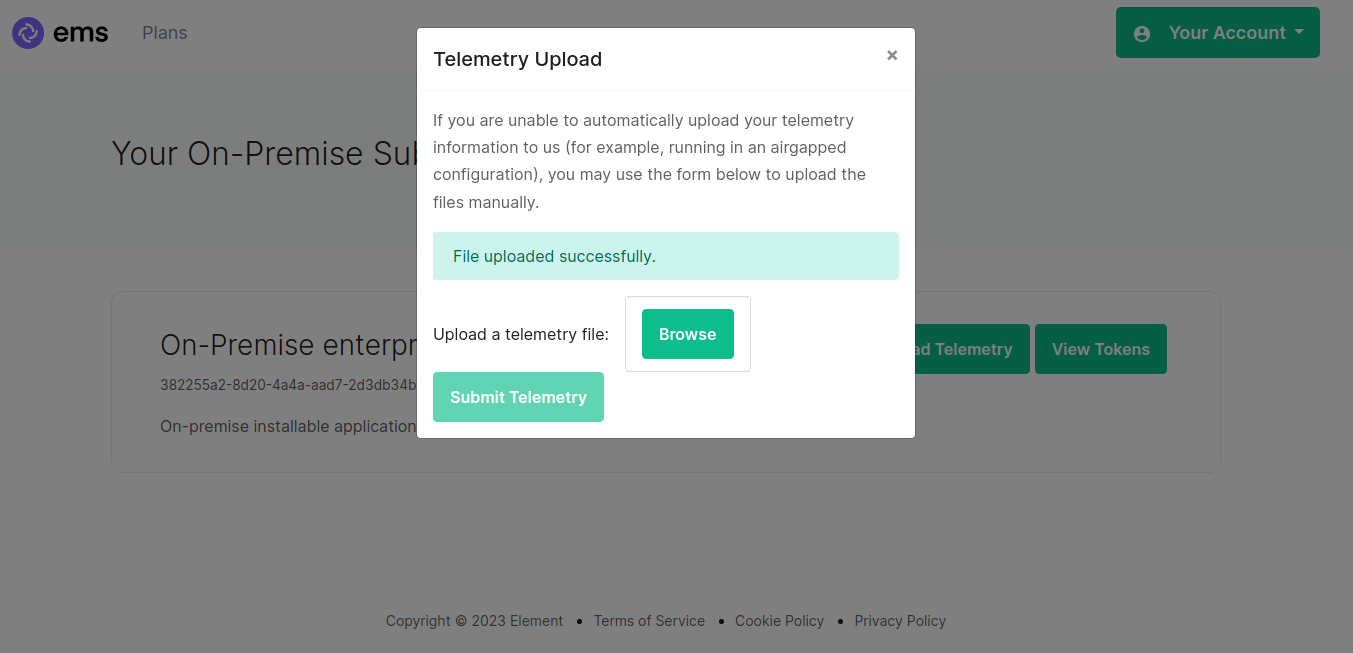
You can then close the upload window.