Reset Cross Signing
Only do this if you have forgotten or lost your cross signing backup passphrase.
Please read through the entire document before starting to make sure you understand the consequences of doing this.
If you have an active session
-
You may wish to backup your keys before doing this just to be on the safe side if something goes wrong: See Export and Import E2E Room Keys
-
Go to ElementSecurity & Privacysettings
Click Reset in the Cross-signing section
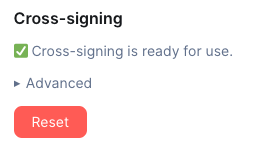
Click Clear cross-signing keys

Click Generate a Security Key or Enter a Security Phrase. Then Continue

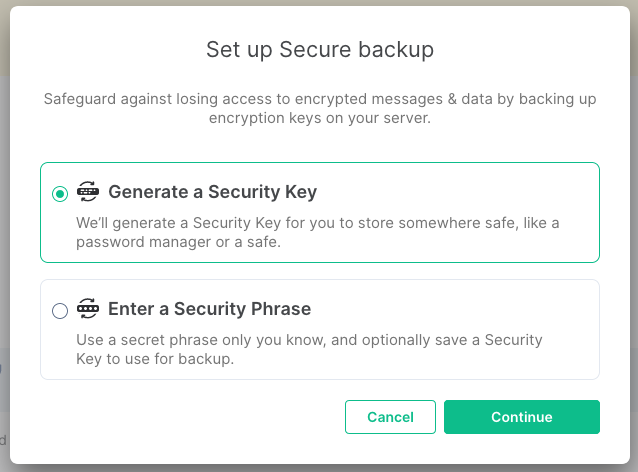
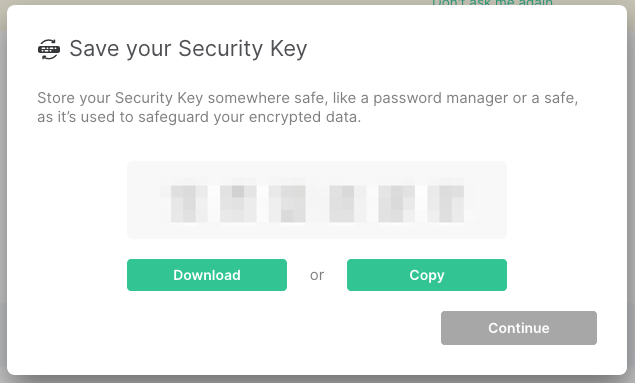
Take note of your key then click Continue

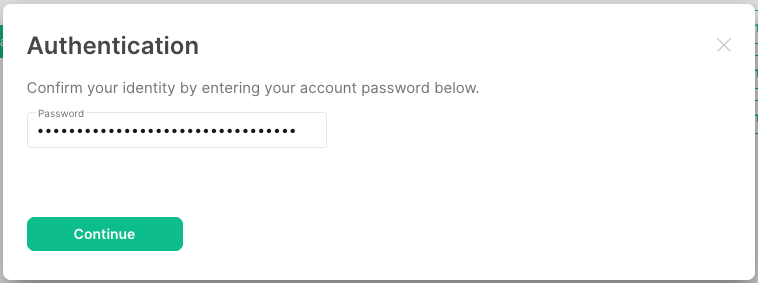
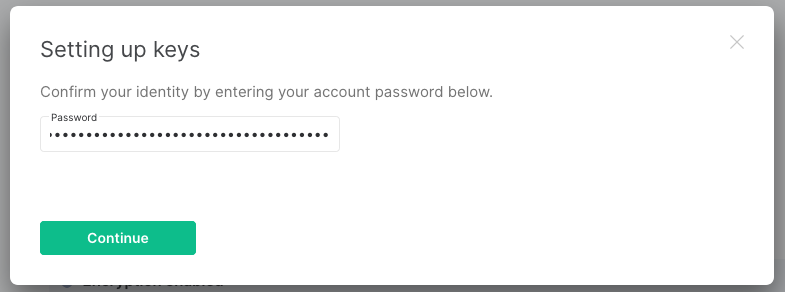
Enter your account password and click Continue

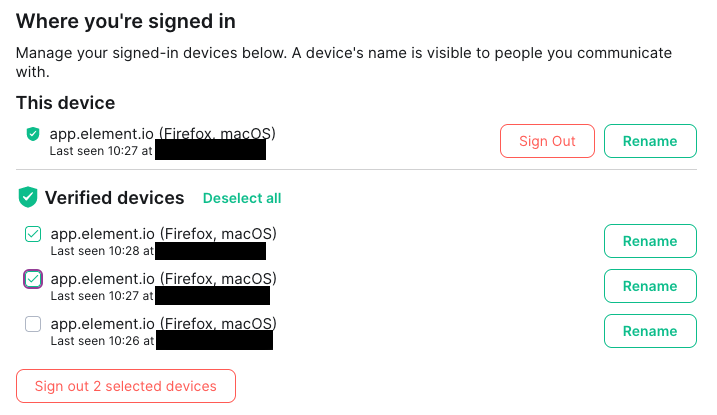
You can delete any untrusted sessions in Element Security & Privacy settings. Select the sessions you want to remove and click Delete 1 session

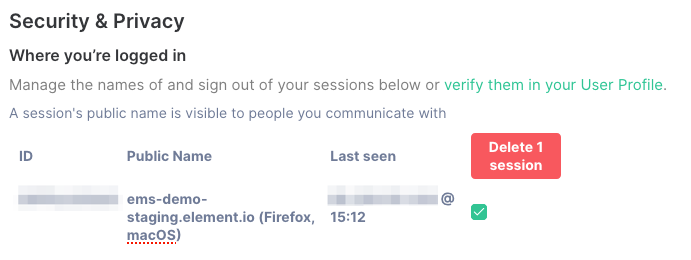
Optionally, Sign out old devices no longer needed
If you DO NOT have an active session
Doing this will destroy all your keys and you will NOT be able to access any historical encrypted messages.
-
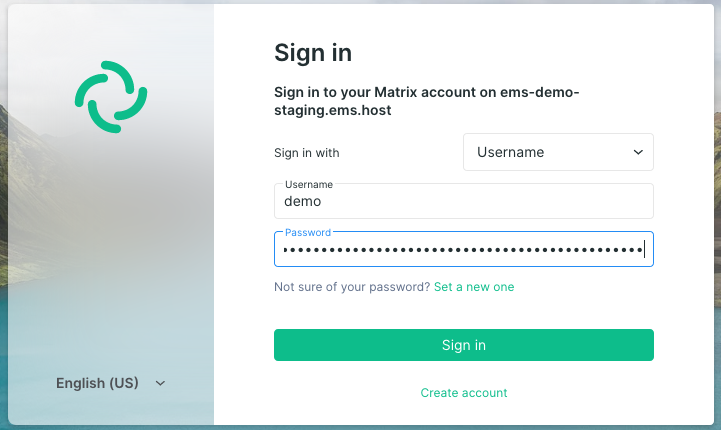
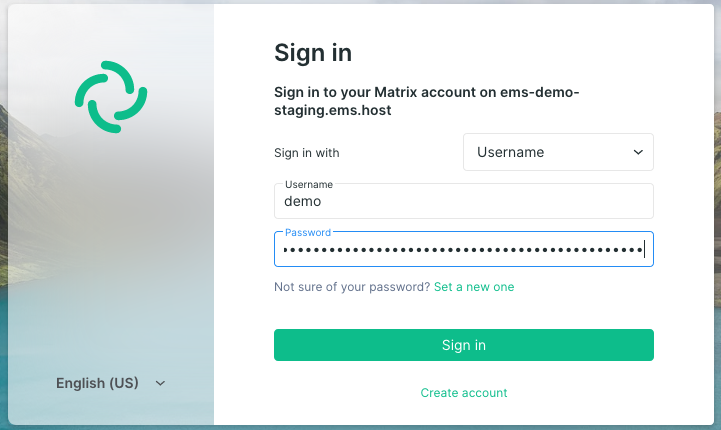
Log in to Element

-
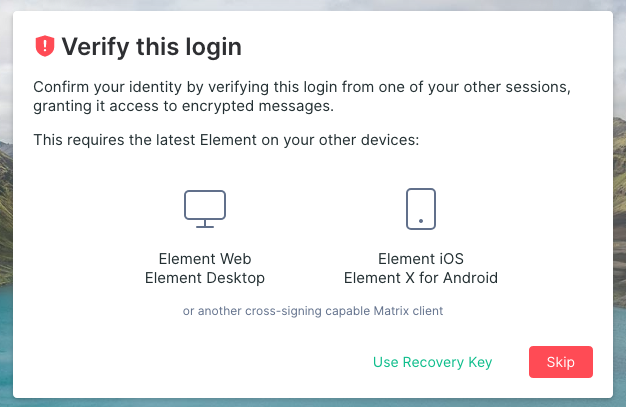
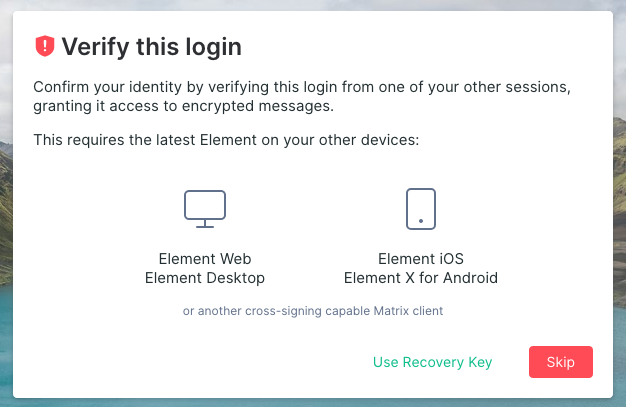
Click
Skip

-
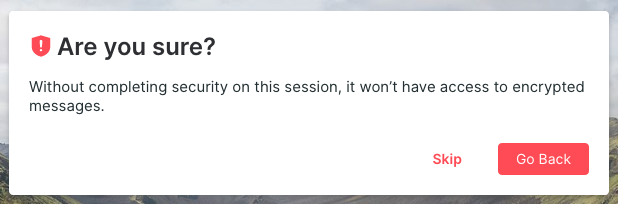
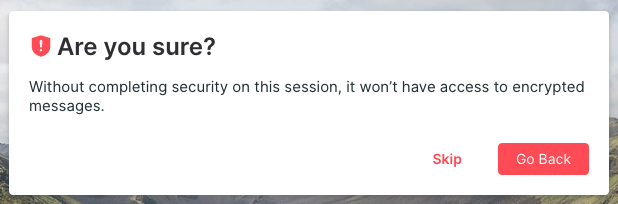
Click
Skipagain

-
Do not connect to Key Backup or verify session when asked
-
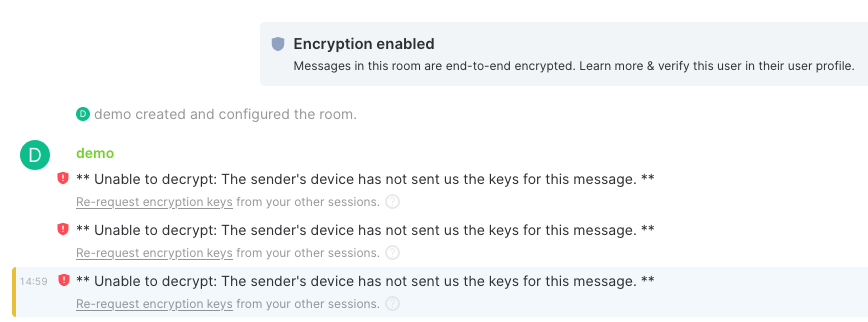
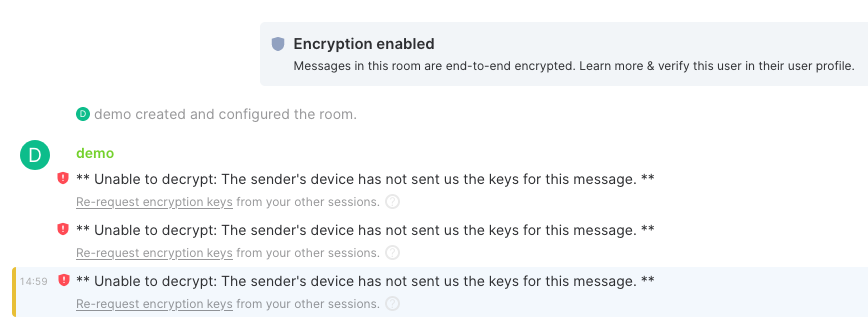
Note that you will not be able to decrypt any previous messages after doing this

-
Follow the steps from If you have an active session

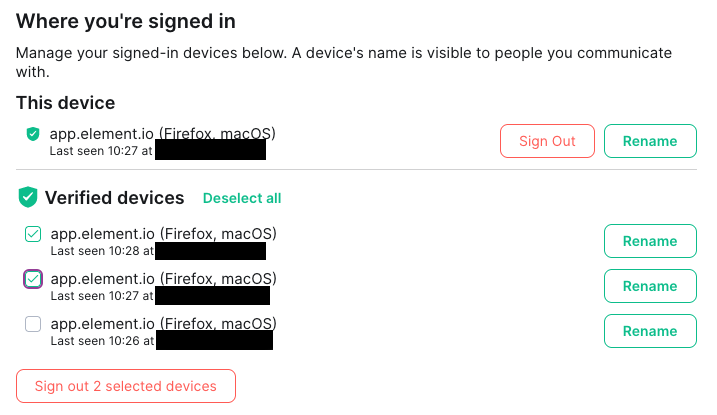
Sign out old devices
-
Go to Element
Security & Privacysettings -
Select the devices you wish to sign out
-
Click
Sign out n selected devices -
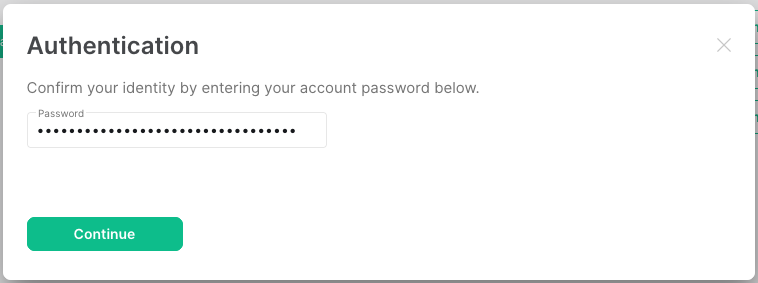
Authenticate with your Matrix account password or via SSO