Add Email to Your Account
-
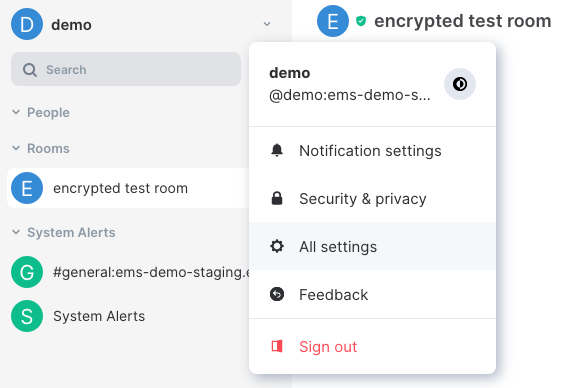
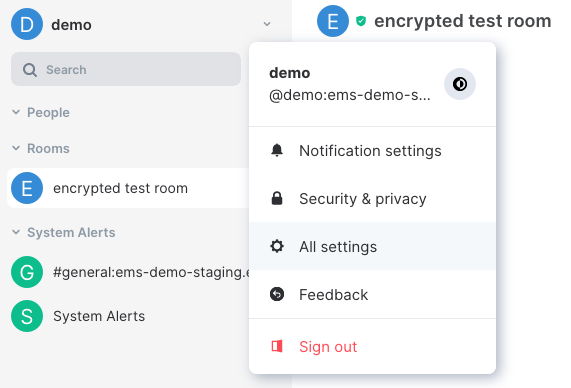
Go to Element
All settings

-
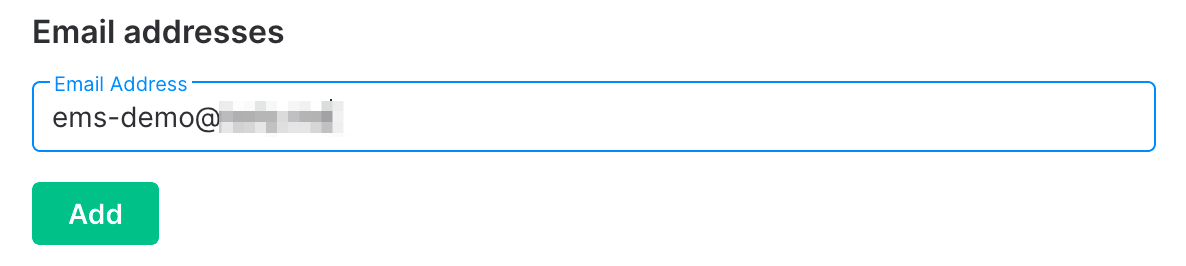
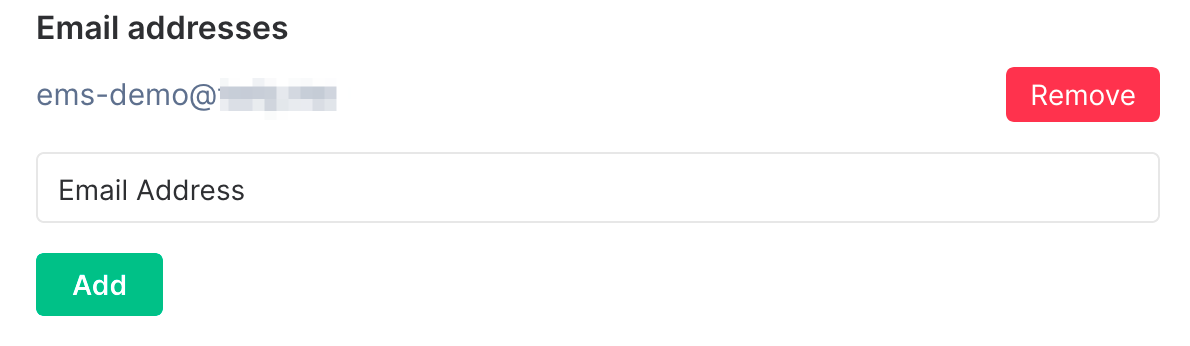
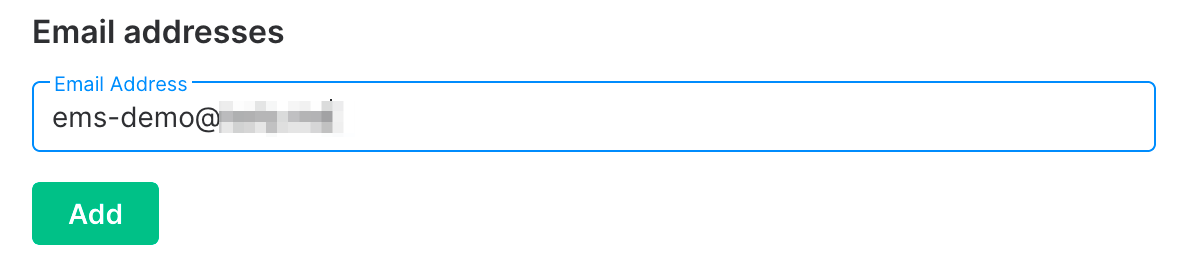
Enter your email address and click
Add

-
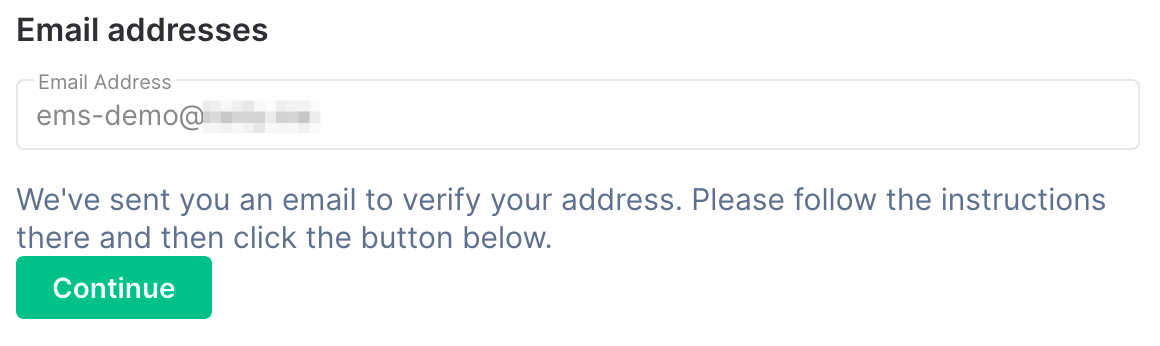
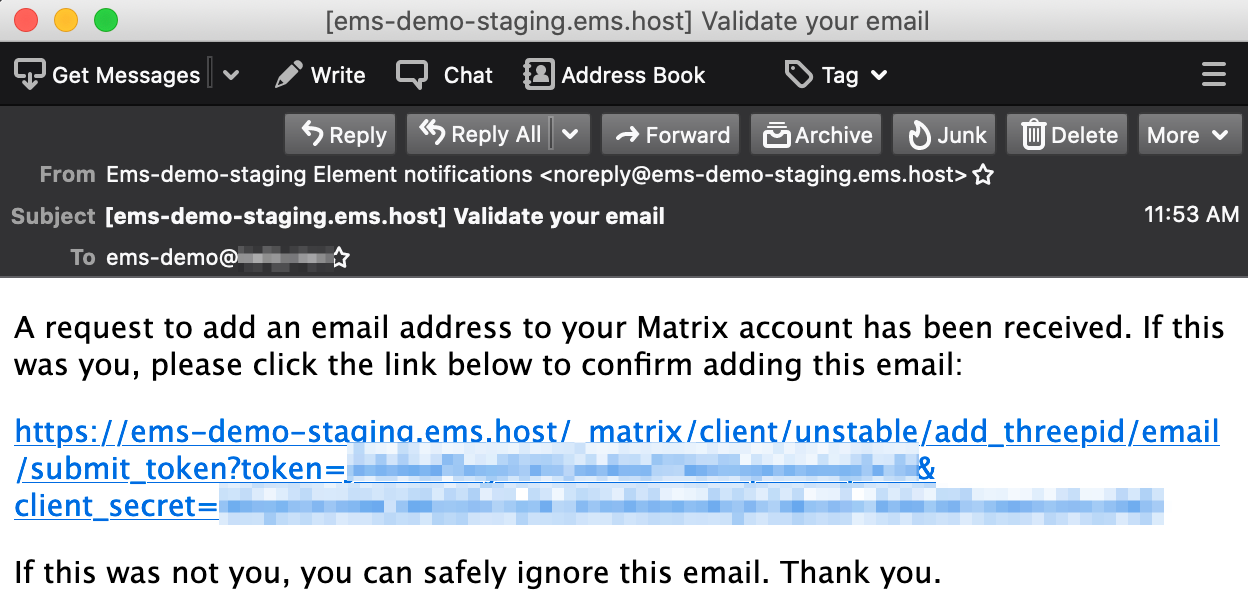
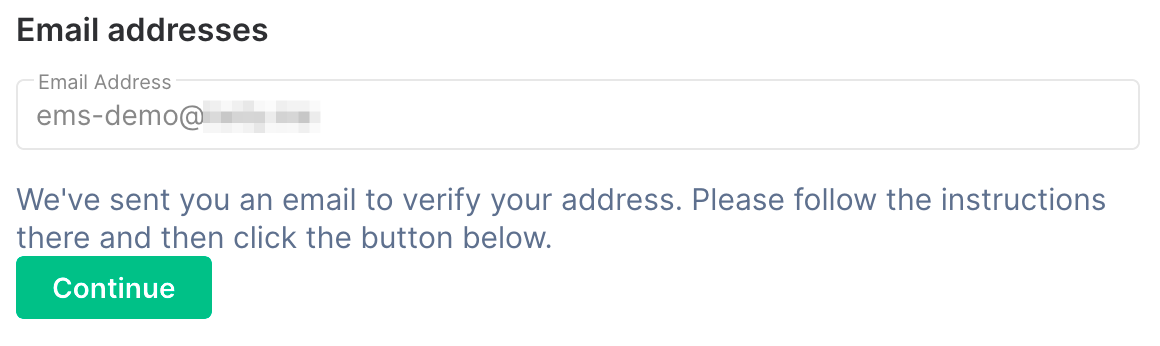
When you get this message, check your email

-
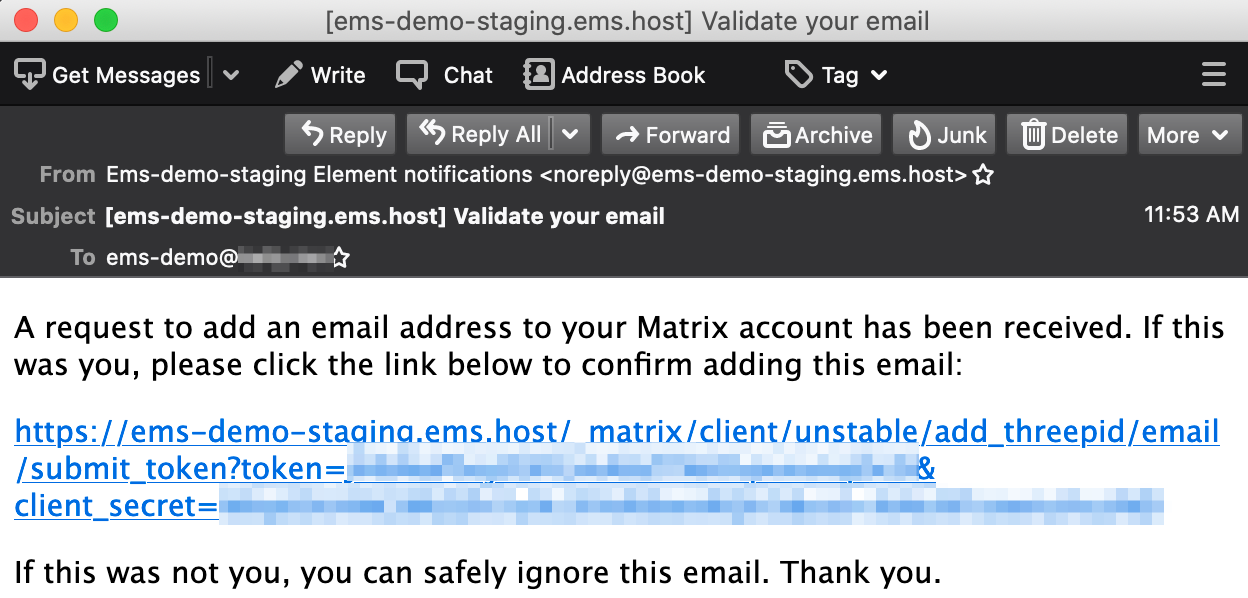
Click the link in the email. Make sure it opens in another tab/window, leaving your Element client where it is

-
When you get this message, you can close the verification tab/window and return to Element


-
Go back to Element and click
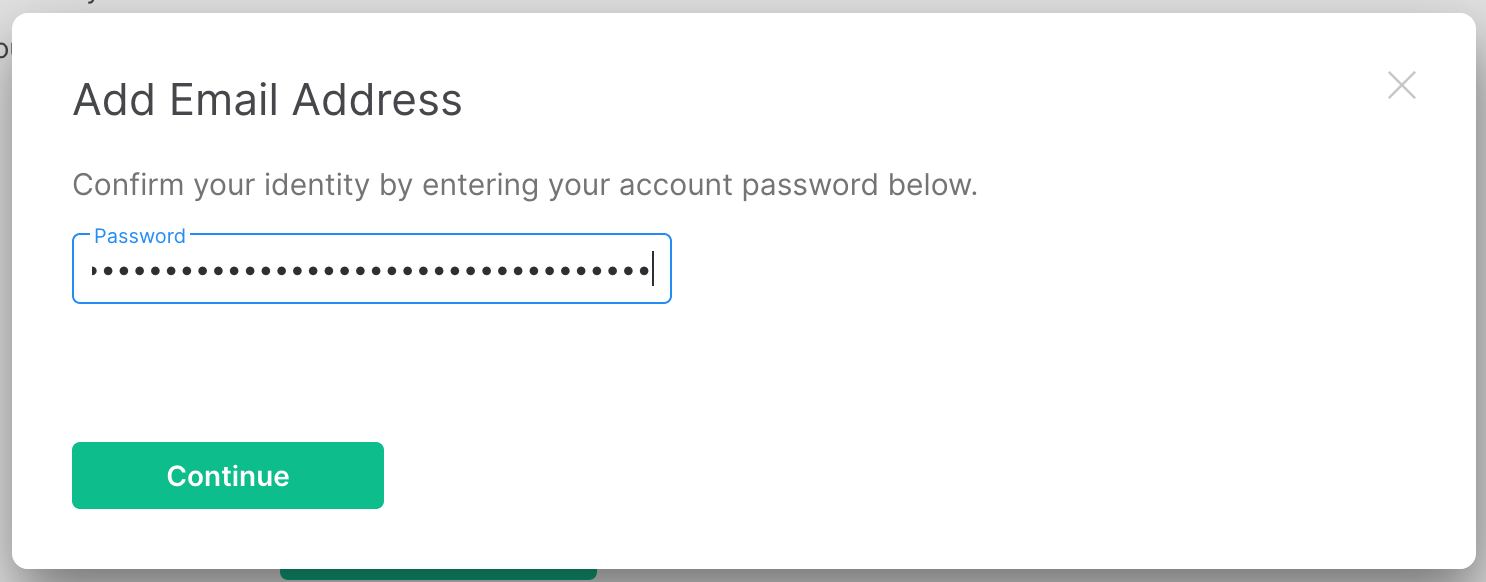
Continue -
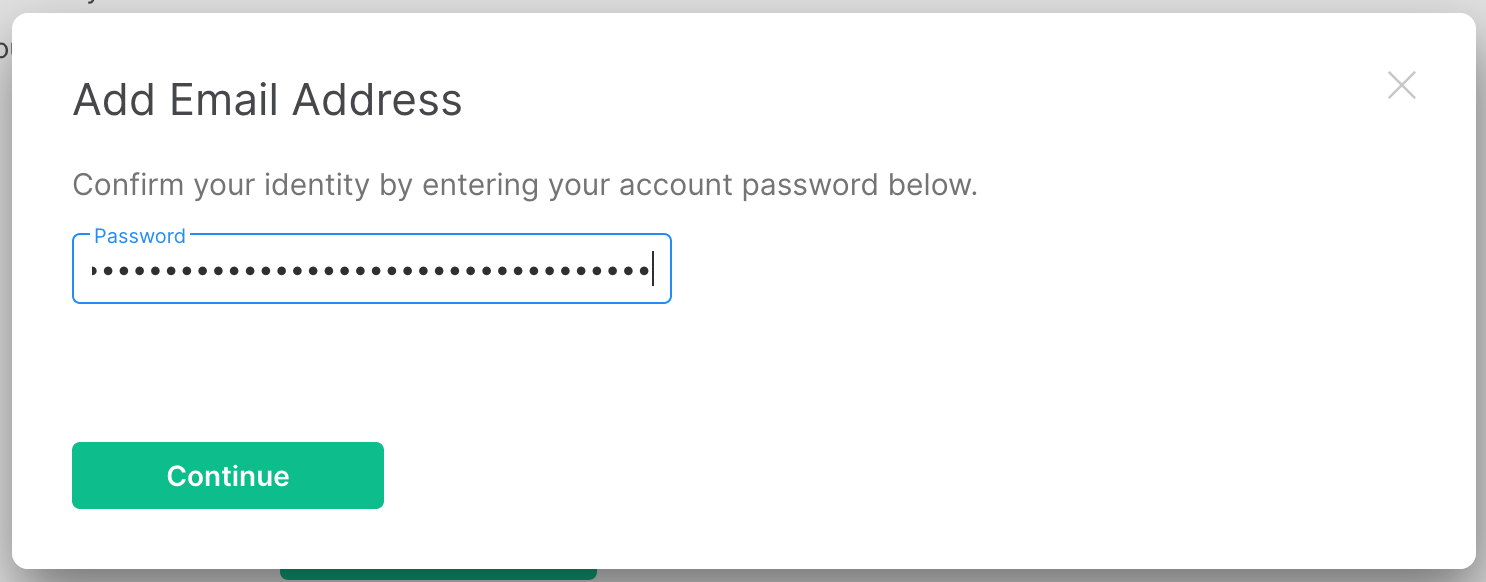
Enter your account password or confirm using SSO, then click
Continue

-
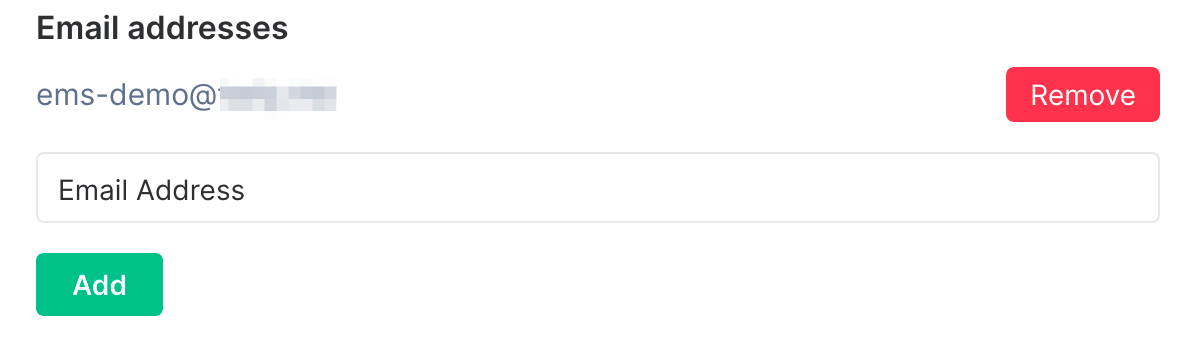
If all worked correctly, your new email should now show up under the
Email addressessection in Element settings. If not, something went wrong and you need to try again