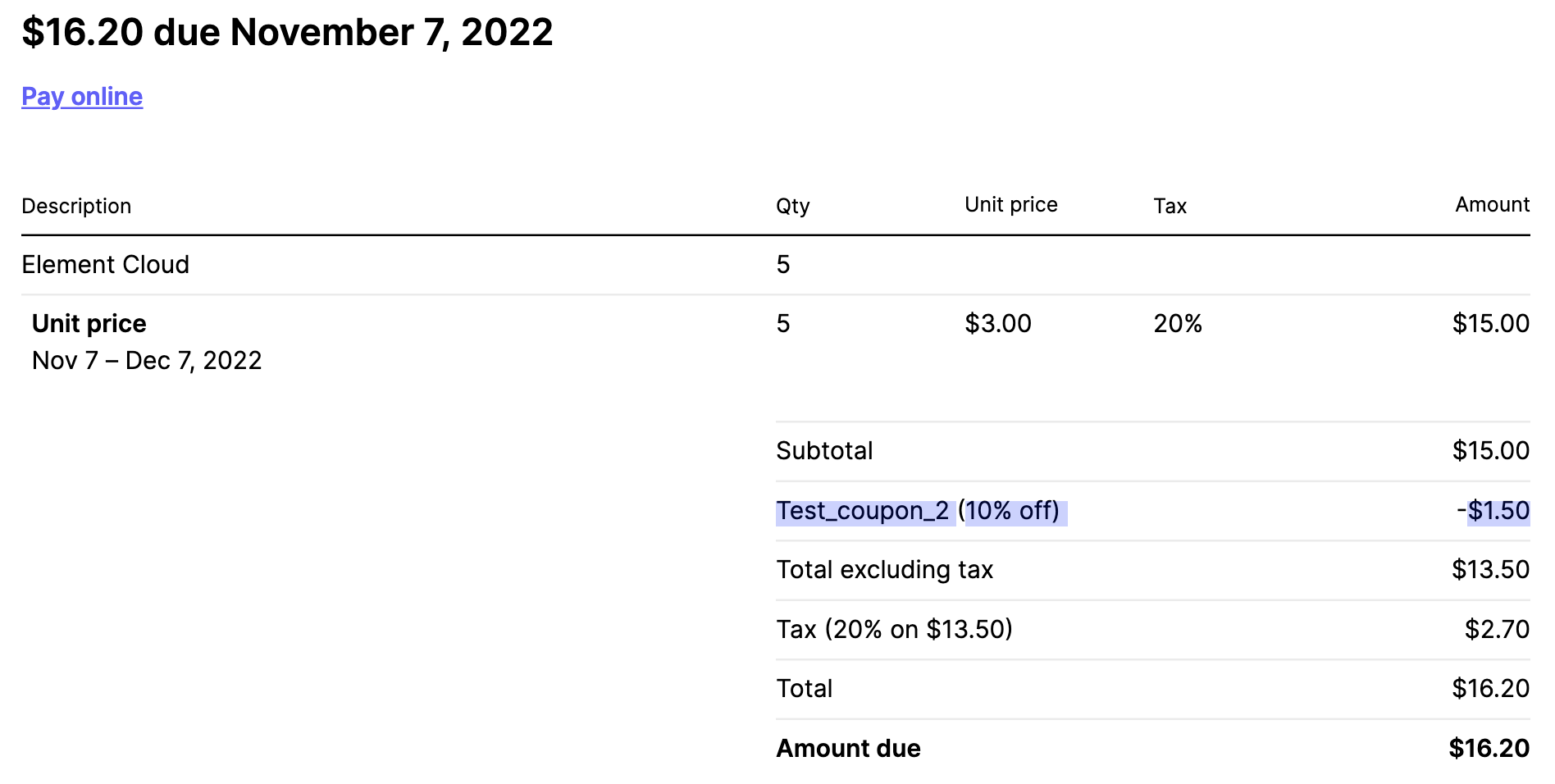
Apply coupon/discount
Coupons can only be applied by new customers before purchasing any products. However, if you are an existing customer and want to add a coupon, please contact support at https://ems.element.io/support.
Terms and Conditions apply. See the page for your coupon or ask your Element contact or support.
Your Account, then Billing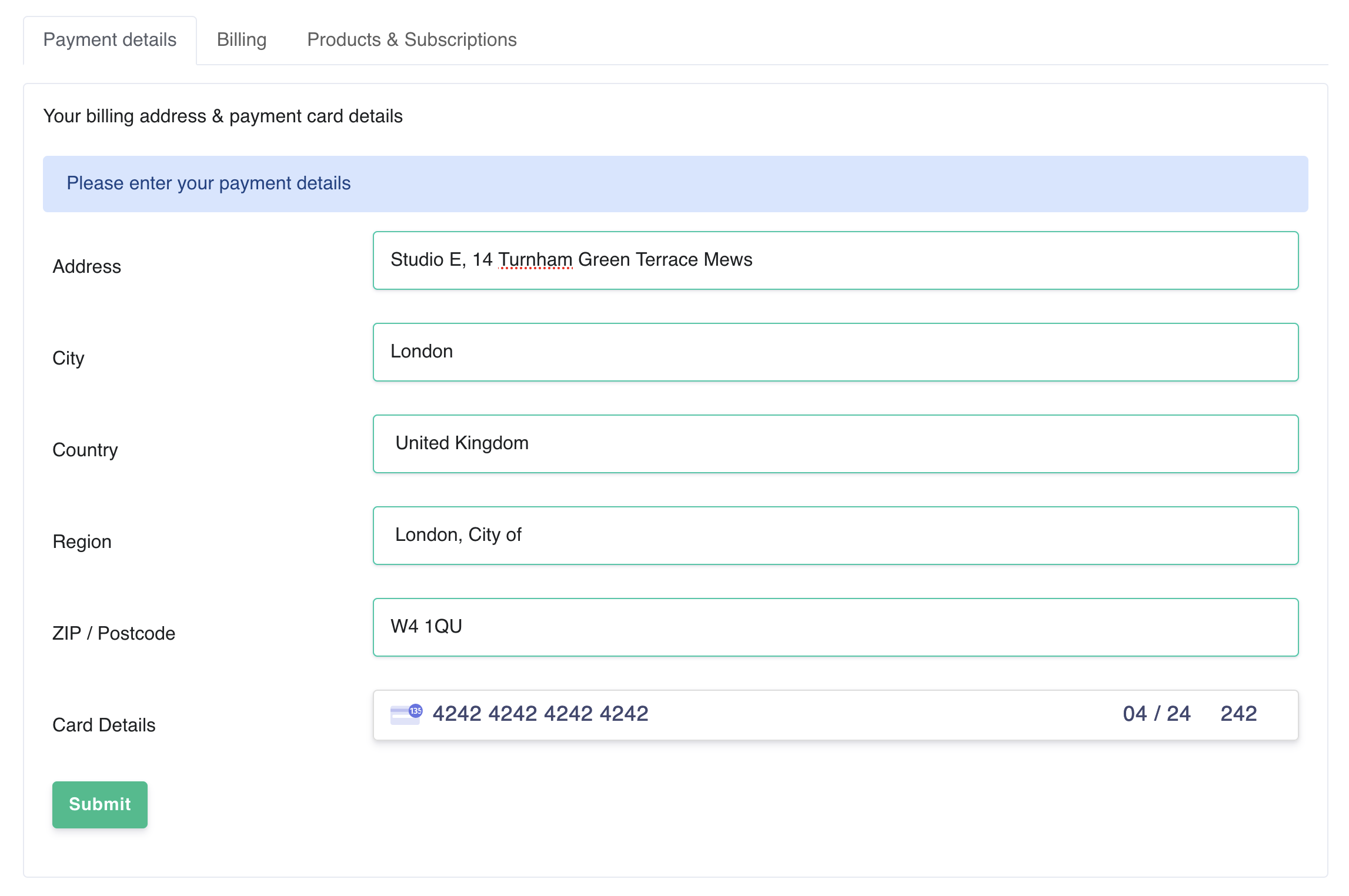 Go to https://ems.element.io/user/account, or click
 Your Account, then Account
Click Show Discounts
Enter your coupon code and click Apply coupon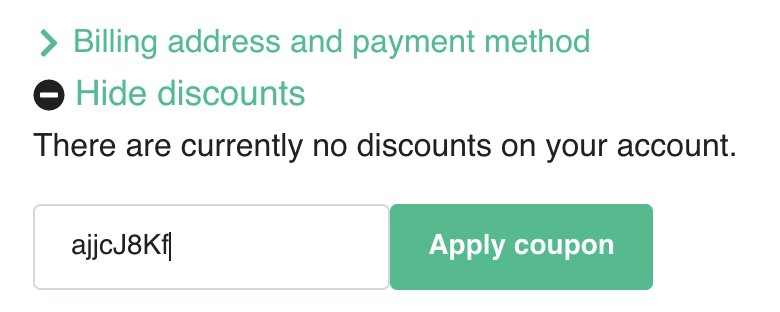
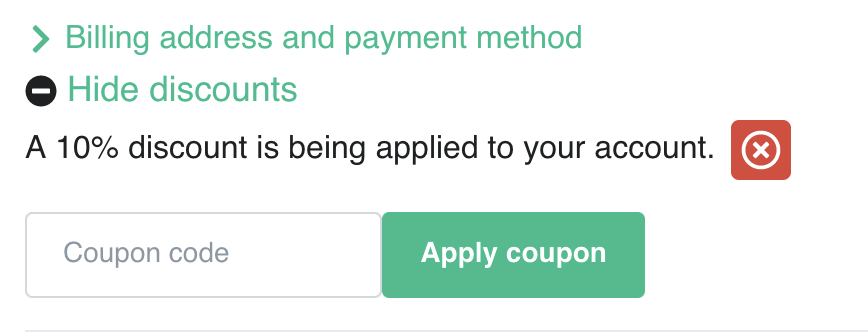 Continue host setup normally. The discount will automatically be applied to all applicable products