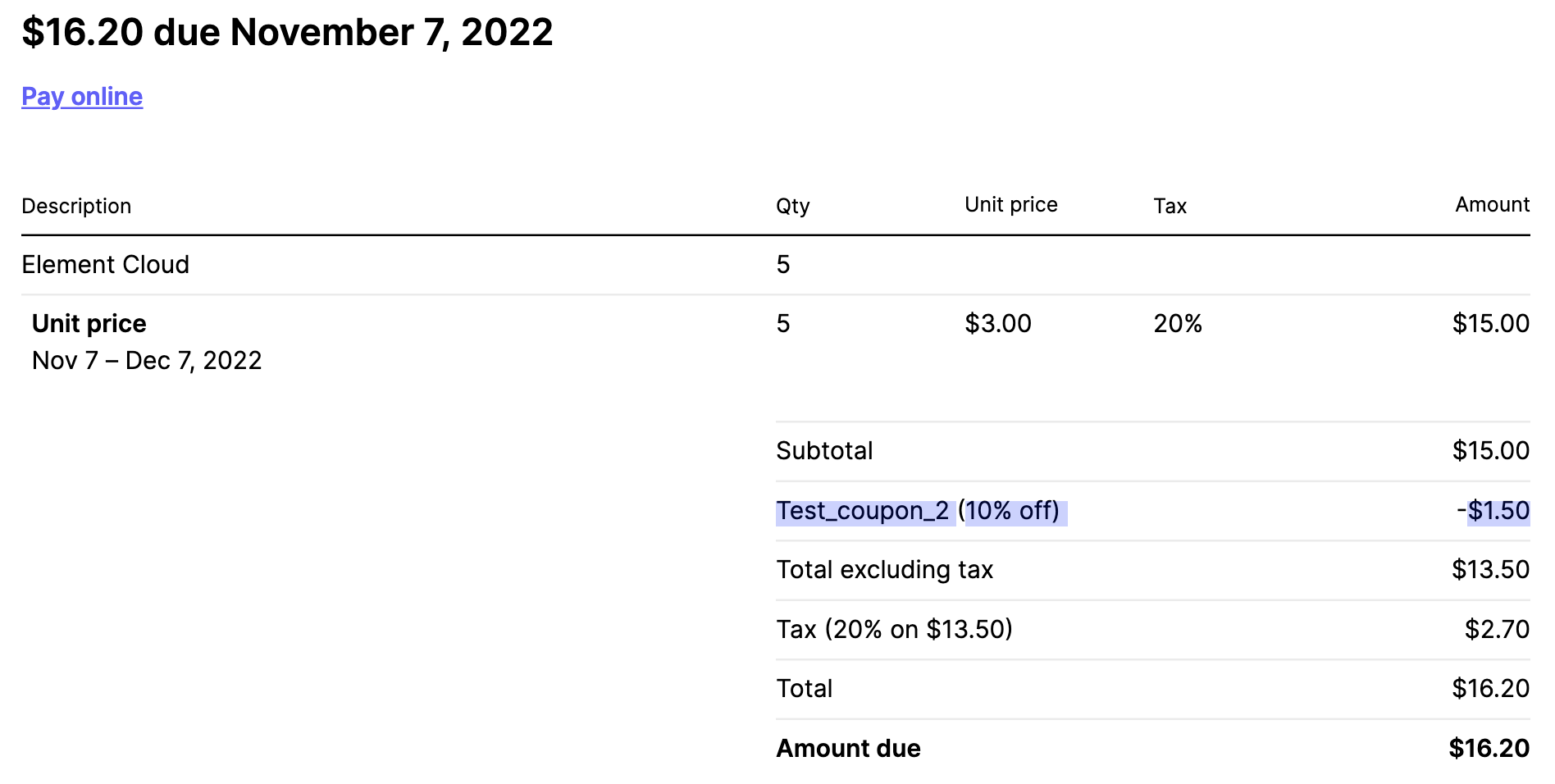
Apply coupon/discount
Coupons can only be applied by new customers before purchasing any products. However, if you are an existing customer and want to add a coupon, please contact support at https://ems.element.io/support.
Terms and Conditions apply. See the page for your coupon or ask your Element contact or support.
- Create your EMS account normally
- If you have agreed to pay by invoice/bank transfer, stop here and let your Element contact know you have created your account so they can enable invoice payment for you
Your Account, then Billing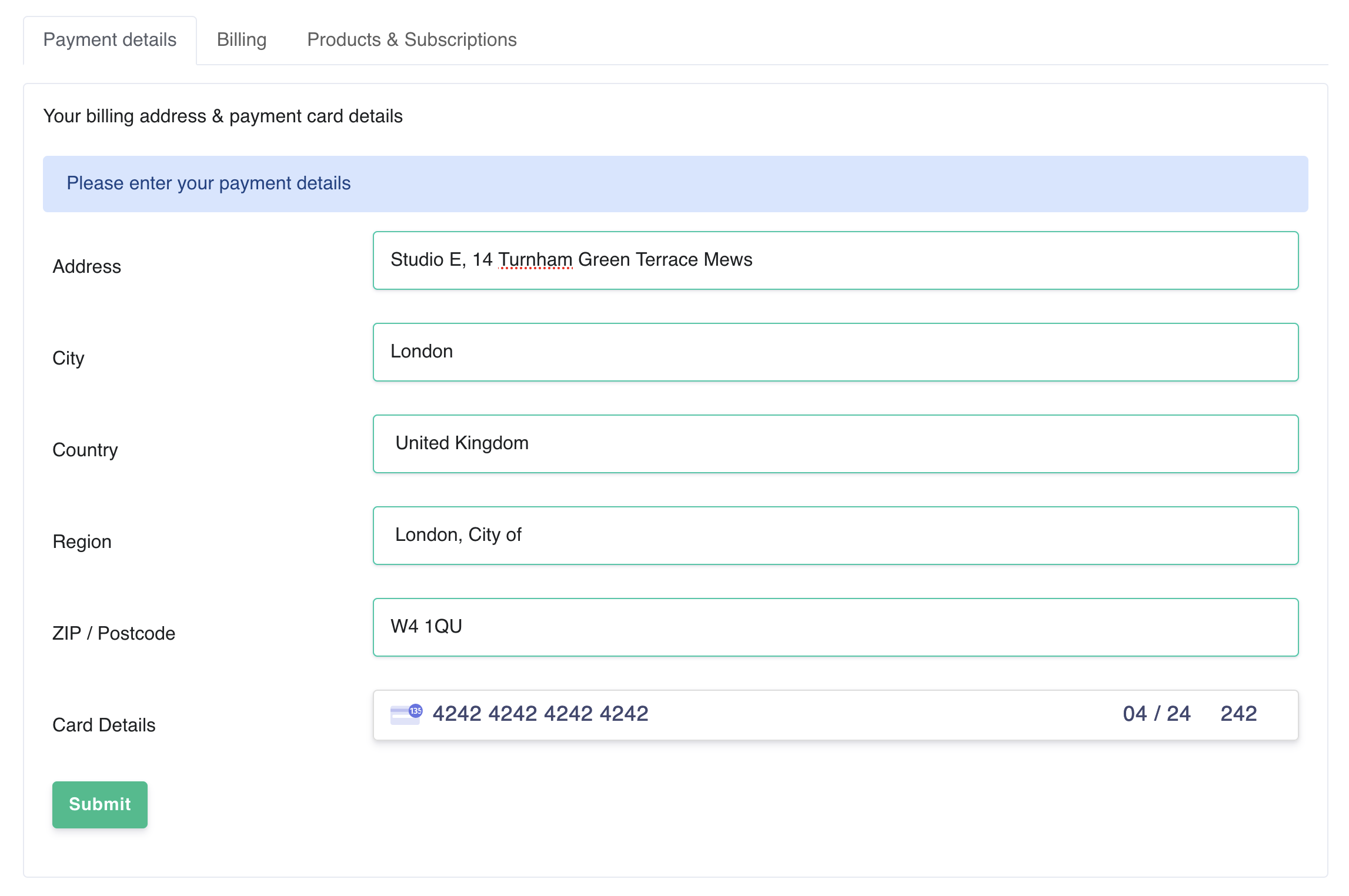 Go to https://ems.element.io/user/account, or click
 Your Account, then Account
If you are a business, you must enter your company name and if applicable, VAT ID here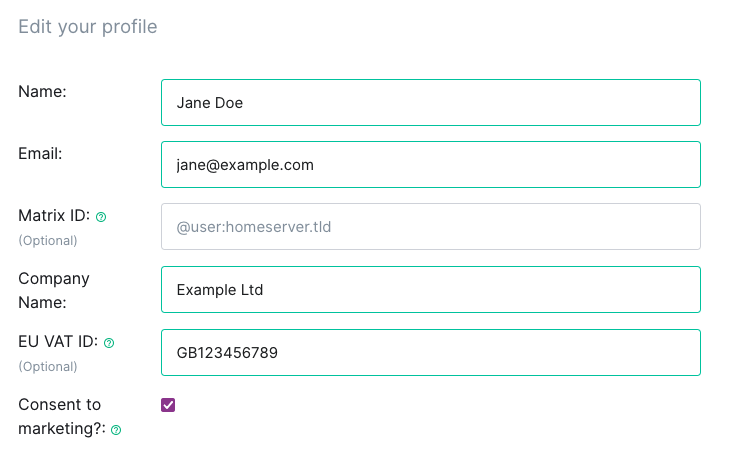 Click
Click Show Discounts
Enter your coupon code and click Apply coupon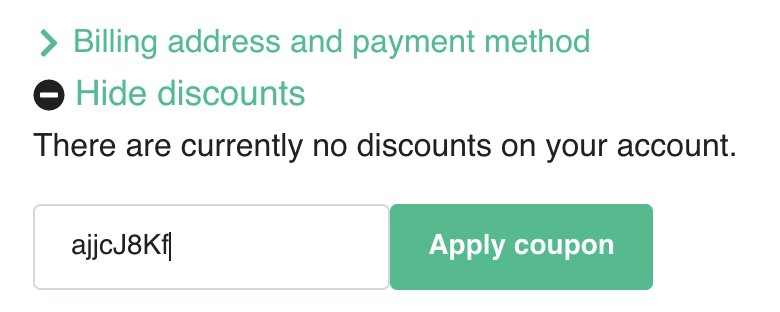
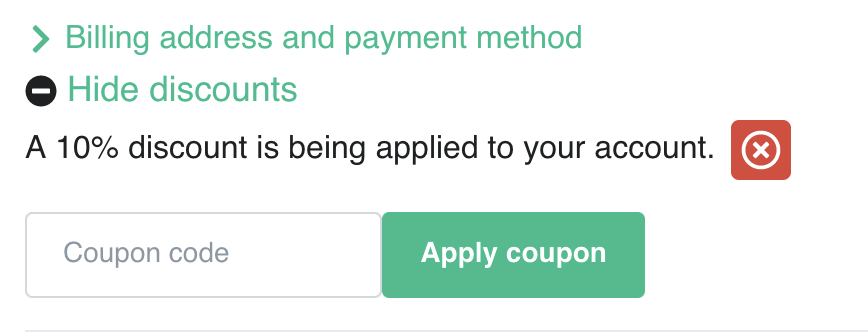 Continue host setup normally. The discount will automatically be applied to all applicable products