# Kubernetes Override Sections
[](https://ems-docs.element.io/uploads/images/gallery/2024-02/image-1706791299674.png)
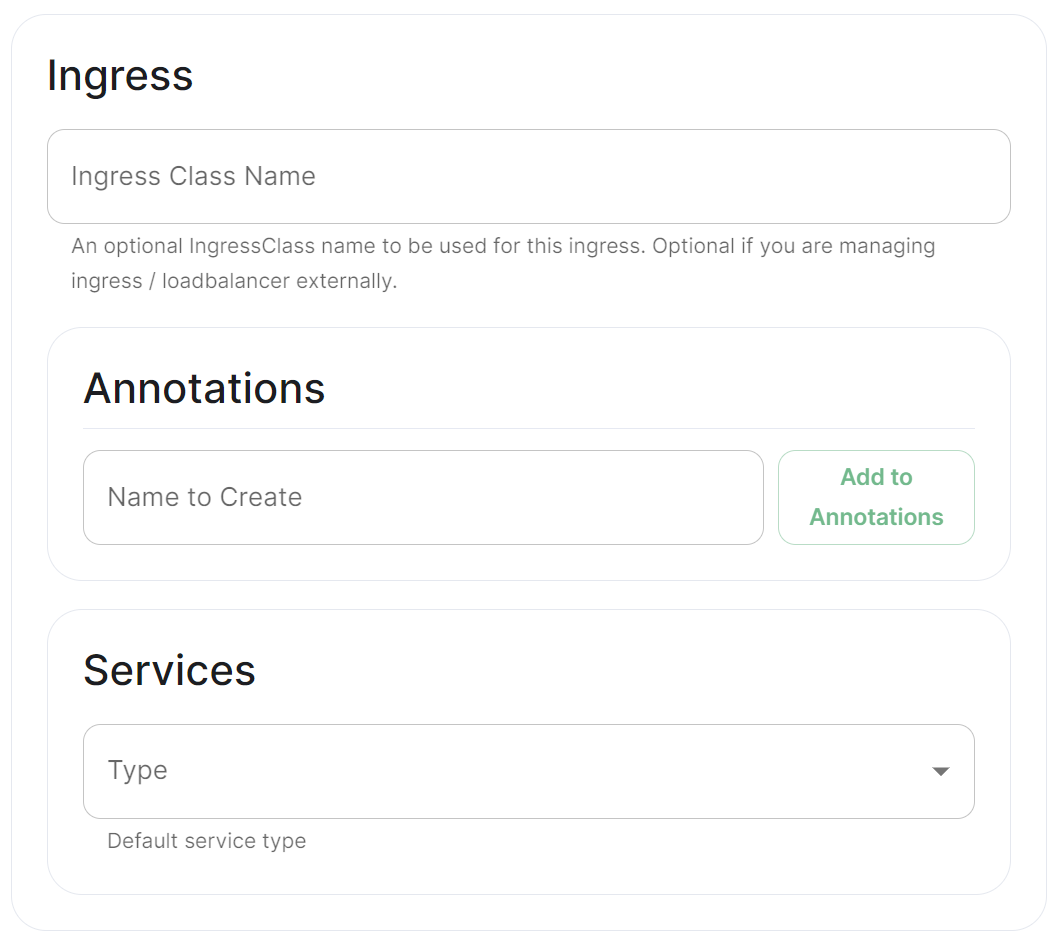
Found in under `Advanced` in any section where you configure a component of the installer, under the `Kubernetes` heading. Here you can override Kubernetes configuration for each component.
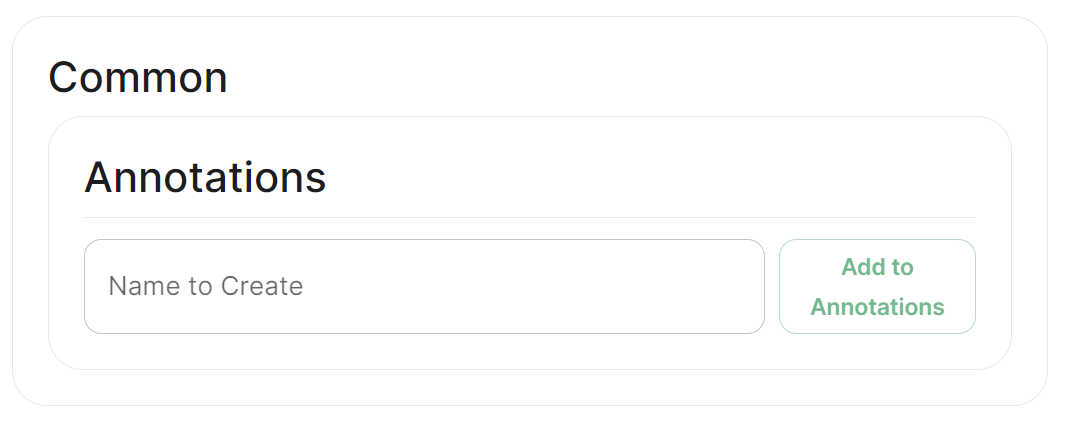
### Common
[](https://ems-docs.element.io/uploads/images/gallery/2024-02/image-1706791551167.png)
#### Annotations
In Kubernetes, annotations are key-value pairs associated with Kubernetes objects like pods, services, and nodes. Annotations are meant to be used for non-identifying metadata and are typically used to provide additional information about the objects. Unlike labels, which are used for identification and organization, annotations are more free-form and can contain arbitrary data.
Annotations are often used for various purposes, such as:
- **Documentation****.**
Providing additional information about a resource that might be useful for administrators or developers.
- **Tooling Integration****.**
Integrating with external tools or automation systems that rely on specific metadata.
- **Customisation****.**
Storing configuration information that affects the behaviour of controllers, operators, or custom tooling.
- **Audit Trailing****.**
Capturing additional information for audit or tracking purposes.
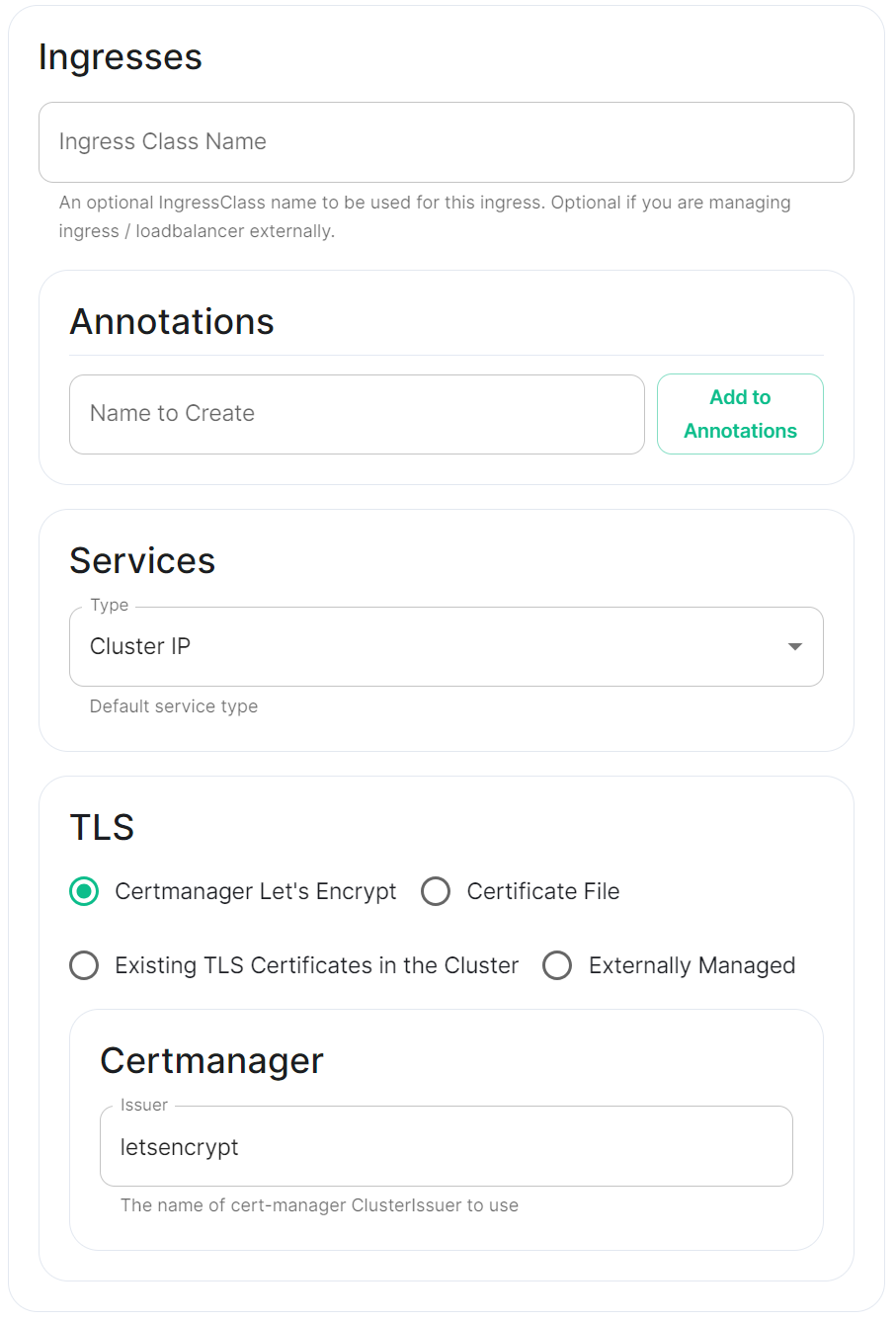
### Ingress
#### Annotations
See explanation of [annotations](#bkmrk-annotations) above
#### Services
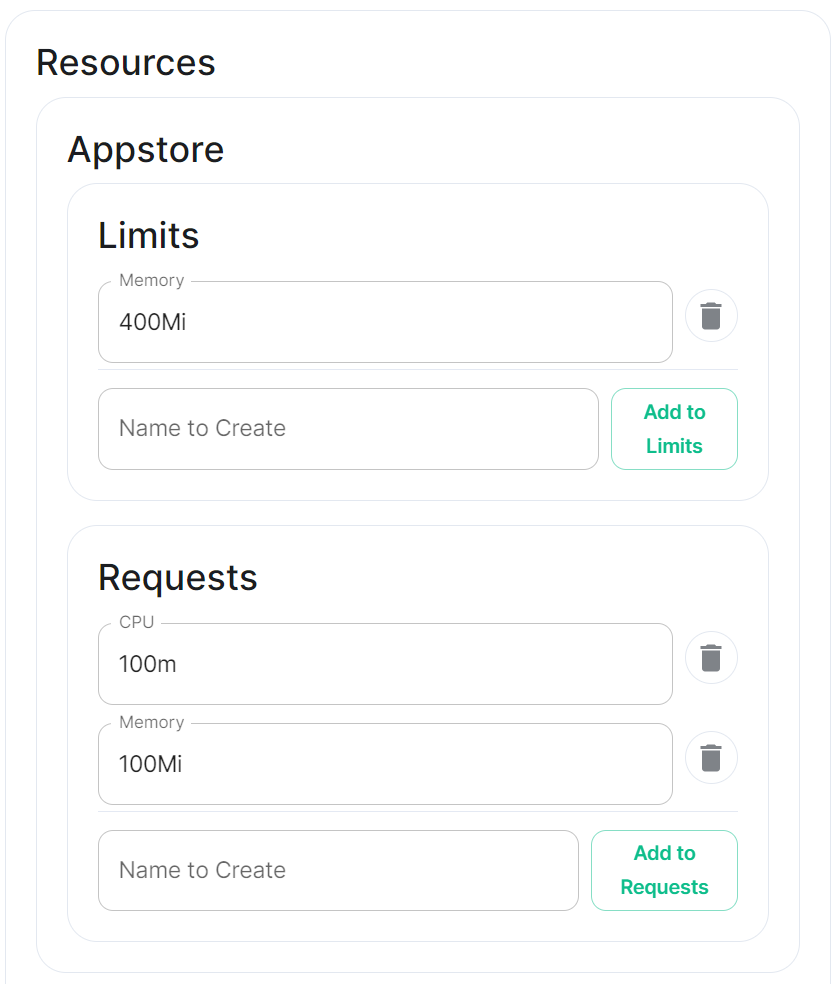
Depending on the component you are viewing, you may see `Limits` and `Requests` broken out for each sub-component applicable to that component. When configuring Element Web you will only see the `Limits` and `Requests` config, for Integrator however, you will see `Limits` and `Requests` for each sub-component; `Appstore`; `Integrator`; `Modular Widgets`; and `Scalar Web`.
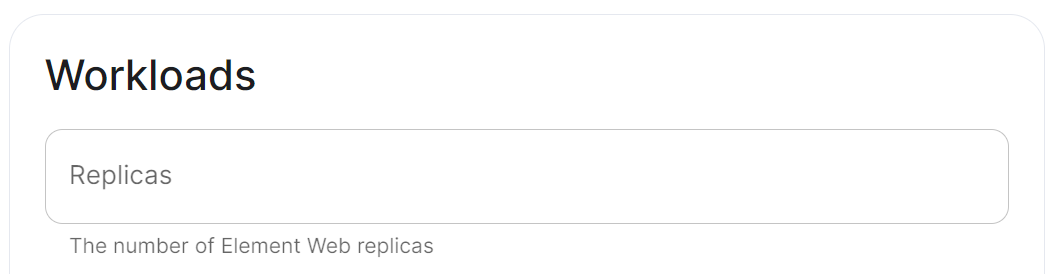
### Workloads
[](https://ems-docs.element.io/uploads/images/gallery/2024-02/image-1706791788806.png)
#### Annotations
See explanation of [annotations](#bkmrk-annotations) above
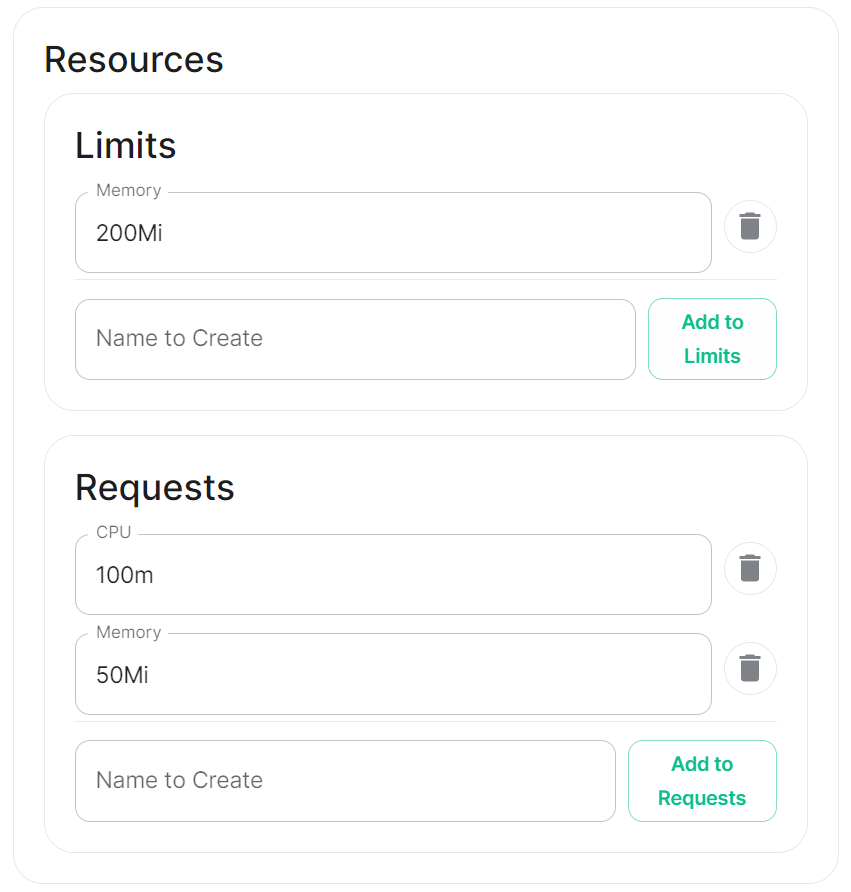
#### Resources
Depending on the component you are viewing, you may see `Limits` and `Requests` broken out for each sub-component applicable to that component. When configuring Element Web you will only see the `Limits` and `Requests` config, for Integrator however, you will see `Limits` and `Requests` for each sub-component; `Appstore`; `Integrator`; `Modular Widgets`; and `Scalar Web`.
##### Limits
##### Requests
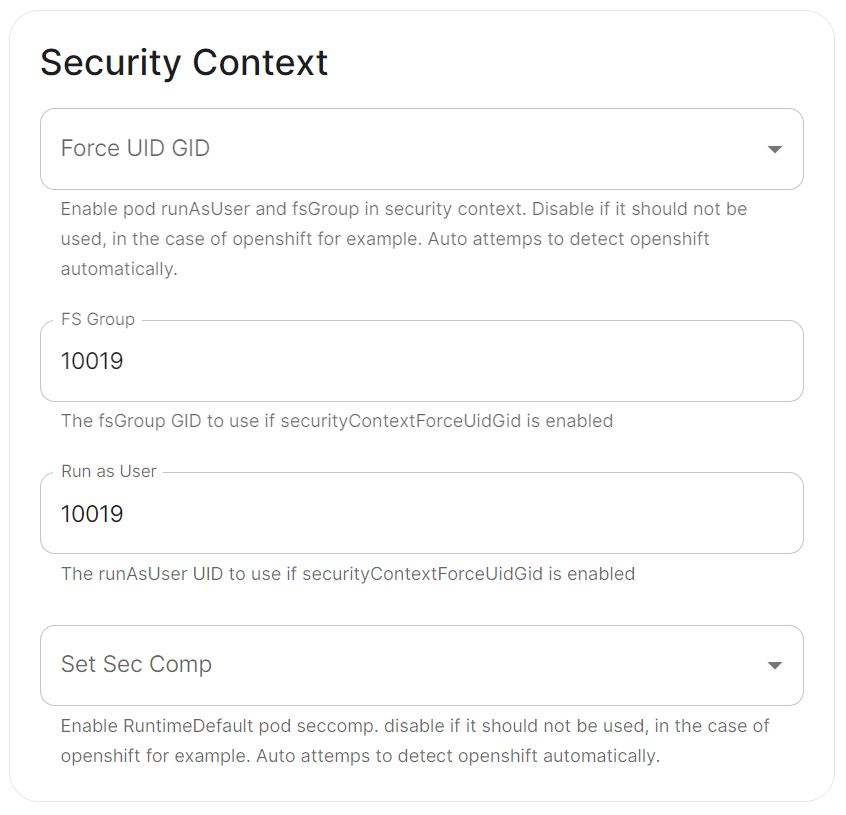
#### Security Context
[](https://ems-docs.element.io/uploads/images/gallery/2024-02/image-1707245447309.png)
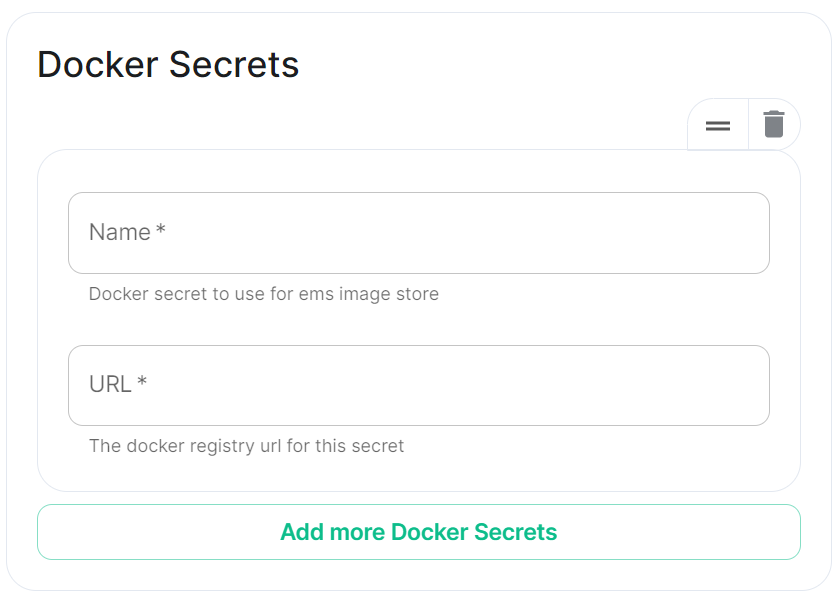
#### Docker Secrets
[](https://ems-docs.element.io/uploads/images/gallery/2024-02/image-1707245474966.png)
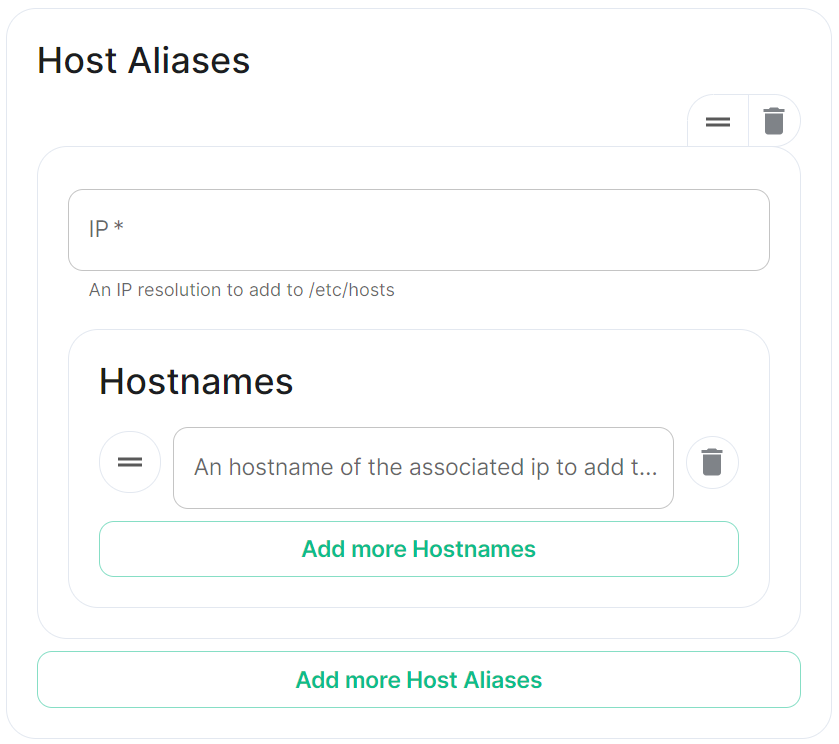
#### Host Aliases
[](https://ems-docs.element.io/uploads/images/gallery/2024-02/image-1707245501958.png)