# Deleting an EMS Account
### Deleting an EMS Account
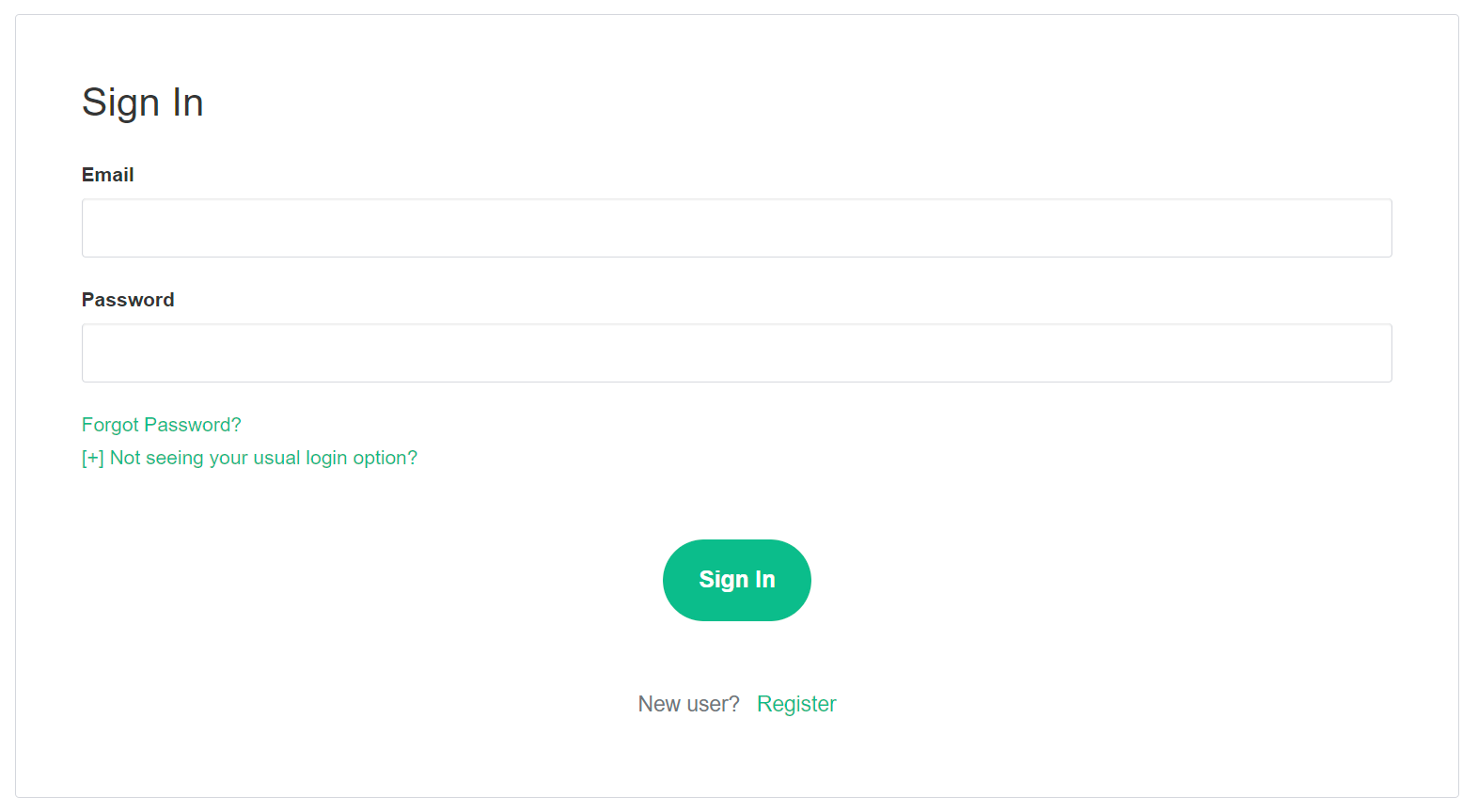
From the Element homepage, click `Sign In` then `Admin Dashboard` to be taken to the EMS Control Panel. If you aren't logged in already, you will be presented with the login screen - sign in using your details to be taken to the EMS Control Panel.
[](https://ems-docs.element.io/uploads/images/gallery/2023-08/image-1691053542763.png)
[](https://ems-docs.element.io/uploads/images/gallery/2023-08/image-1691055581048.png)
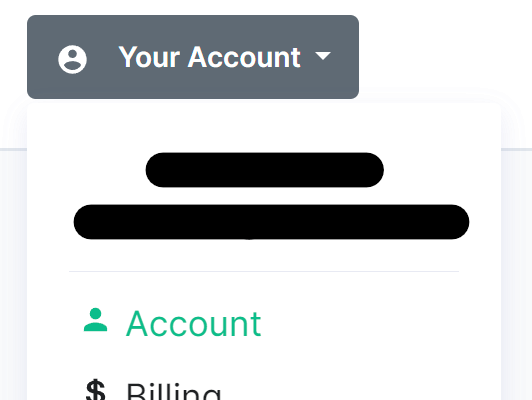
Click `Your Account`, found in the top right, then select `Account`, or goes directly there from this link, Account Page.
[](https://ems-docs.element.io/uploads/images/gallery/2023-08/image-1691055644130.png)
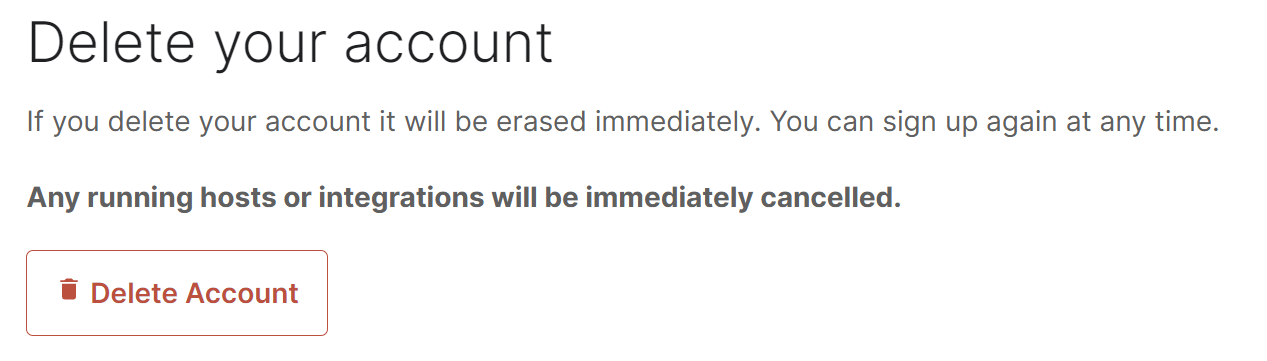
This page contains details about your account, to dleete your account, you will need to click the `Delete Account` button found at the bottom of the page.
[](https://ems-docs.element.io/uploads/images/gallery/2023-09/image-1694420234229.png)
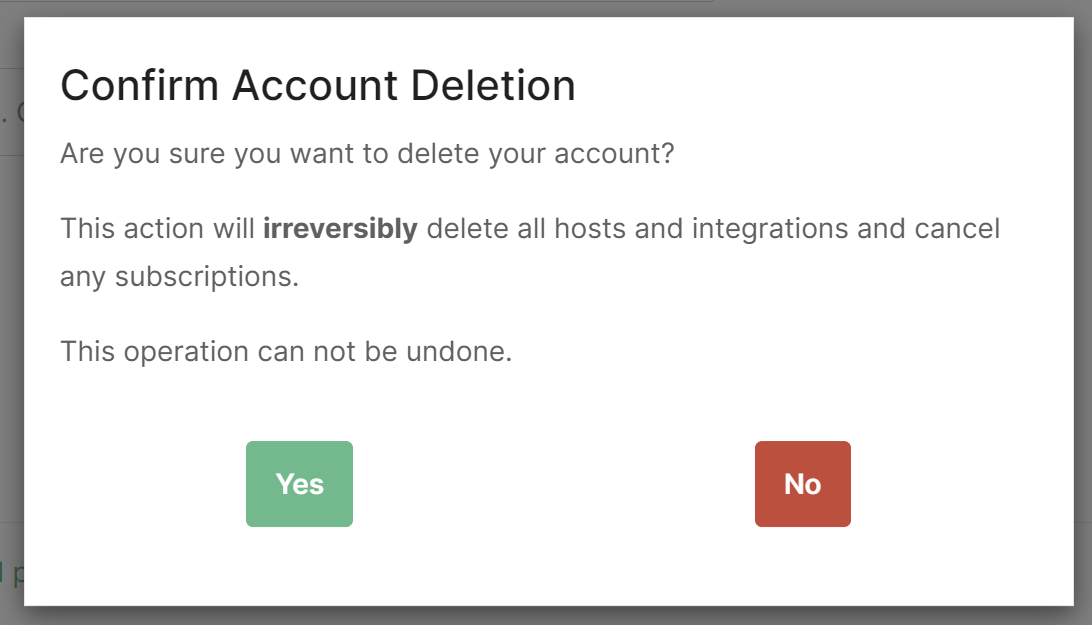
Confirm the account deletion in the following prompt to irreveribily delete all hosts and integrations you have and cancel any subscriptions. Your account will then be deleted.
[](https://ems-docs.element.io/uploads/images/gallery/2023-09/image-1694420311450.png)